
This guide covers everything about moving money in and out of your P999 account, the payment methods supported, how to deposit, how to withdraw, limits to keep in mind, and what to do if something doesn’t go through.
Supported Payment Methods
| Method | Deposit | Withdrawal |
|---|---|---|
| Easypaisa | Yes | Yes |
| JazzCash | Yes | Yes |
| Bank Transfer | Yes | Yes |


Deposit and Withdrawal Limits
| Type | Minimum | Maximum (per transaction) |
|---|---|---|
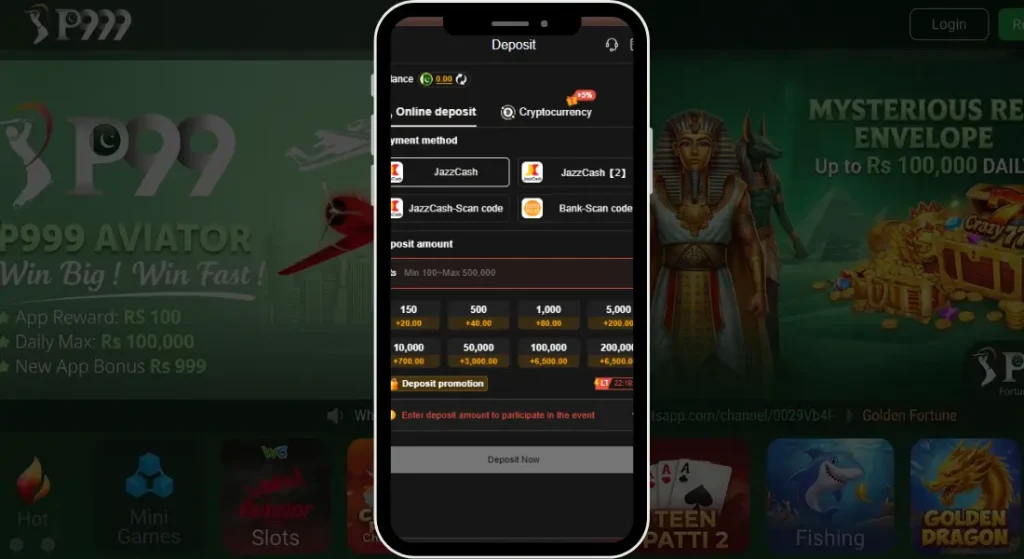
| Deposit | 100 PKR | Unlimited |
| Withdrawal | 500 PKR | Unlimited |
Limits can vary depending on your account activity and verification level, so what you see inside the app may differ slightly from the table above.
How to Deposit Money in P999
- Log in to your P999 account.
- Tap “Deposit” or “Add Money” on the home screen.
- Choose a payment method, Easypaisa, JazzCash, or Bank Transfer.
- Enter your mobile account number or bank details.
- Enter the amount you want to deposit.
- Confirm the details and submit, your balance usually updates within a few minutes.
How to Withdraw Money from P999
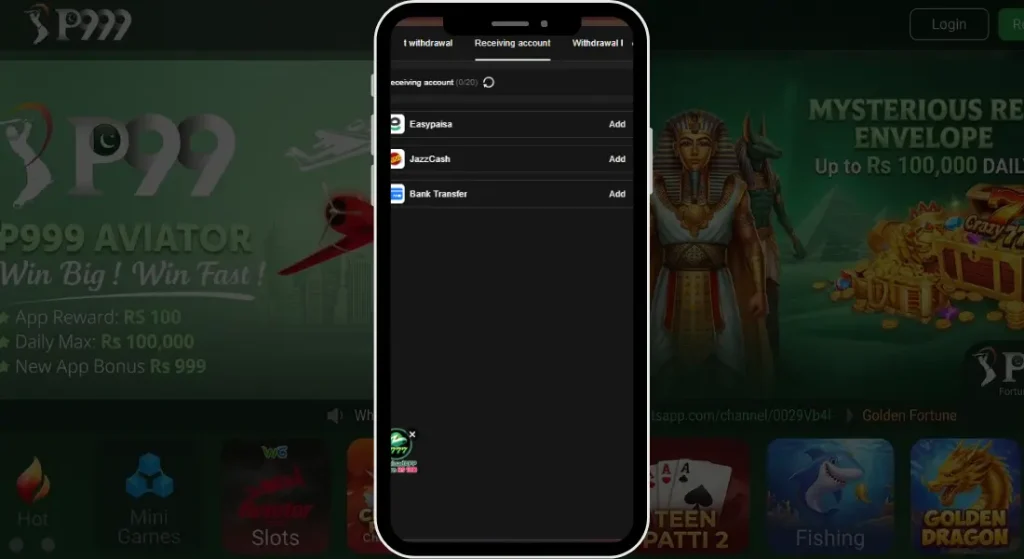
- Log in and go to the “Withdraw” section.
- Select your preferred payment method.
- Enter the amount you want to withdraw.
- Double check your account number or phone number before confirming.
- Submit the request, withdrawals are typically processed within 1 to 3 business days.
Why a Deposit or Withdrawal Might Fail
Deposit not reflecting in balance This usually clears up within a few minutes. If it’s been longer, check your payment app for confirmation that the transaction actually went through before contacting support.
Withdrawal stuck on pending Processing can take up to 3 business days depending on the method and how busy things are. If it’s taking noticeably longer than that, reach out through official support.
Wrong account number entered Double check your details before submitting next time, and contact support as soon as possible if you’ve already sent a request with incorrect information.
Transaction limit exceeded Try breaking the amount into smaller transactions, or check your account’s current limit inside the app.
Deposit and Withdrawal Safety Tips
- Always double check account or mobile number details before confirming any transaction.
- Keep a screenshot or record of every deposit and withdrawal you make.
- Never share your OTP with anyone during a payment, not even someone claiming to be P999 support.
- Use only the official app for transactions, avoid third-party payment links.
- Withdraw winnings periodically instead of letting a large balance build up.