
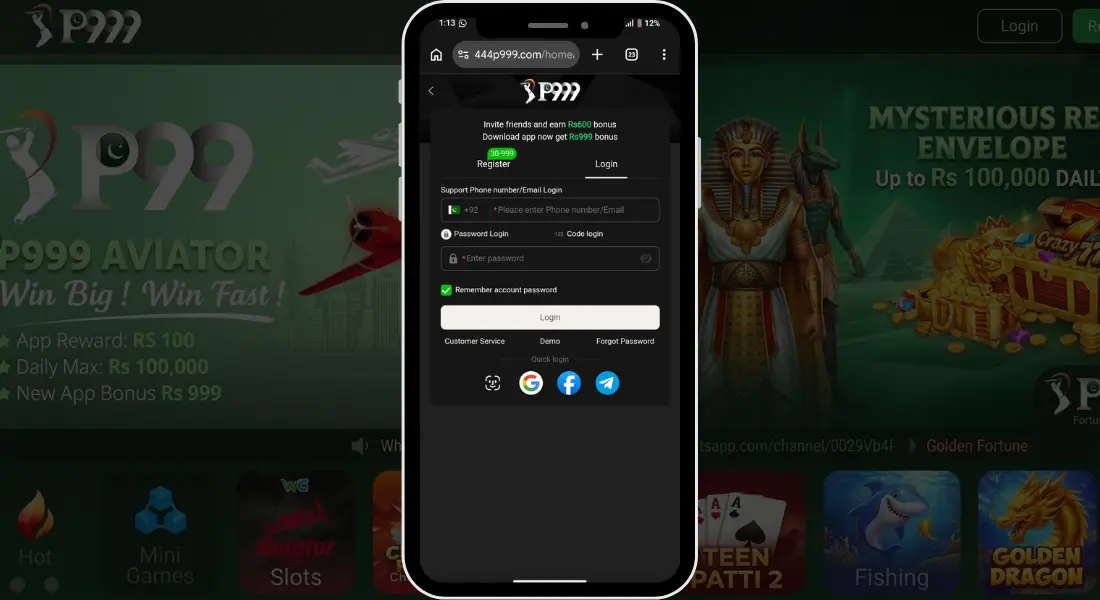
This page covers both sides of getting into your P999 register and login account creating one for the first time, and logging in afterward. You’ll find what’s needed before you start, the steps themselves, common errors people run into, and how to keep your account safe throughout.
What You Need Before P999 Register and Login
| Requirement | Details |
|---|---|
| Active Mobile Number | Used for registration, verification, login, and account recovery |
| Working OTP/SMS Access | Needed to confirm your number during signup or password recovery |
| Strong Password | Set during registration, used to log in afterward |
| P999 App Installed | Both registration and login happen inside the app |
| Internet Connection | Stable Wi-Fi or mobile data required for both |
| Referral Code (Optional) | Enter one if a friend shared it, for bonus eligibility |
| Gmail Account (Optional) |
Step by Step Registration Guide
- Open the P999 app after installing it.
- Tap “Register” or “Sign Up” on the welcome screen.
- Enter your active mobile number.
- Wait for the OTP to arrive by SMS and enter it in the app.
- Create a strong password for your account.
- Enter a referral code here if you have one, this step can usually be skipped.
- Tap Confirm or Register to finish.
- You’ll be logged in automatically and taken straight to the home screen.
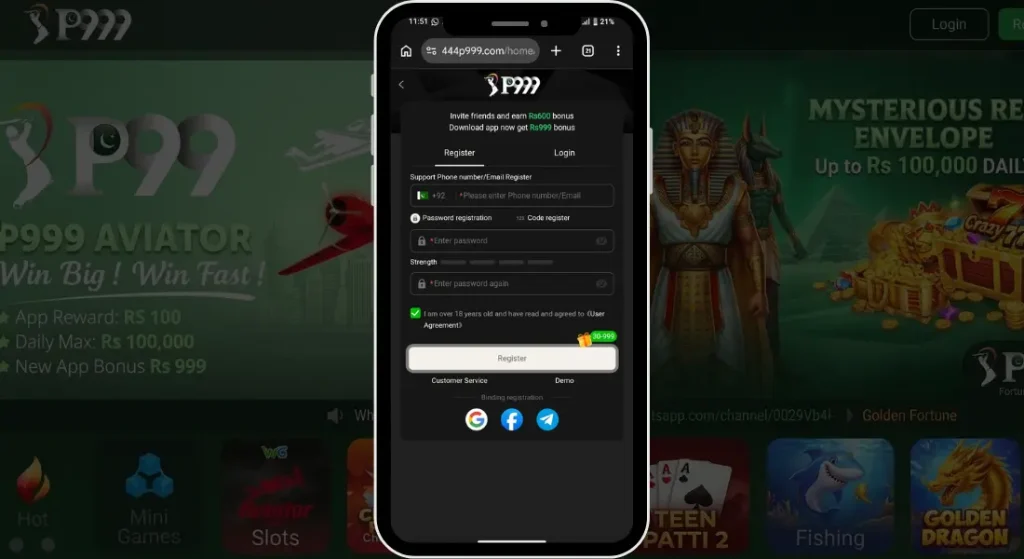
You Can Also Register With Gmail
If you’d rather skip the mobile OTP step, P999 also lets you register using an active Gmail account. Just select the Gmail option on the sign-up screen, choose your Google account, and confirm access, your account gets created right away without waiting for an SMS code.
P999 Login
Step by Step Login Guide
-
Open the P999 app on your phone.
-
Tap “Login” on the welcome screen.
-
Enter your registered mobile number.
-
Enter your password.
-
Tap Login to access your account.
-
You’ll land directly on your home dashboard with your balance and rewards visible.
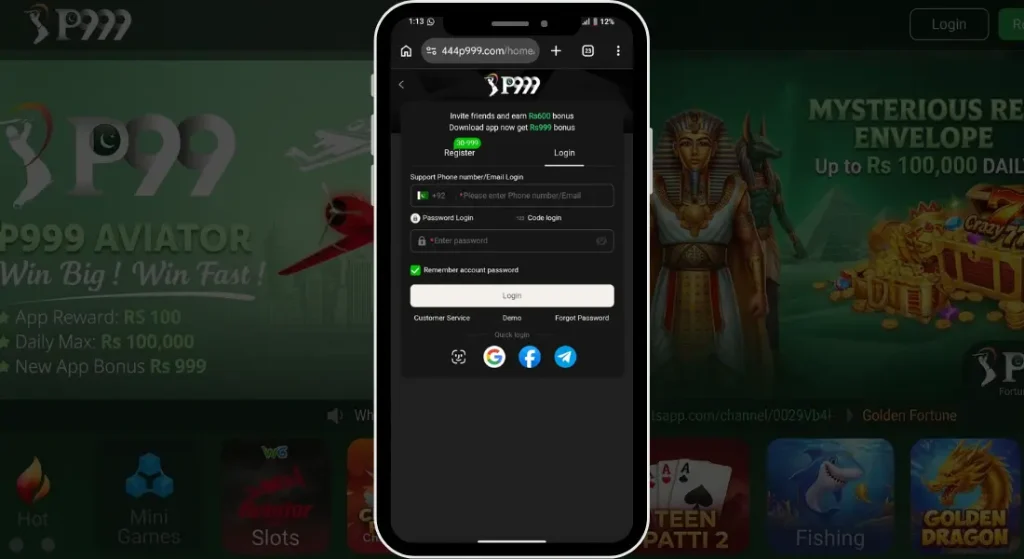
Logging In With OTP (If Password Is Forgotten)
-
Tap “Login” and then “Forgot Password” or “Login with OTP” if available.
-
Enter your registered mobile number.
-
Wait for the OTP to arrive by SMS.
-
Enter the OTP in the app.
-
Set a new password if prompted, then log in as usual.
Common Login Problems
Wrong password error Double check for typos, passwords are usually case sensitive. If you’re still stuck, use the “Forgot Password” option to reset it.
Account locked after multiple attempts Some accounts temporarily lock after repeated failed login attempts. Wait a few minutes before trying again, or reset your password.
OTP not received during recovery Confirm the number entered matches your registered number and that you have signal. Requesting the OTP again after a minute or two usually resolves it.
App stuck on loading screen at login Usually a weak connection issue. Switch networks or restart the app and try logging in again.
“Number not registered” message This means no account exists on that number yet, you may need to register instead of logging in.
Keeping Your Account Safe
-
Use a password you’re not already using on other apps or accounts.
-
Never share your OTP with anyone, not even someone claiming to be P999 support.
-
Register and log in with your own mobile number rather than a shared or public one where possible.
-
Save your login details somewhere safe instead of relying on memory alone.
-
Log out of your account when using someone else’s phone.
-
Avoid clicking login links sent through unofficial WhatsApp or SMS messages, always use the app directly.
-
Change your password periodically, especially if you suspect it may have been shared or leaked.
FAQs
Is registration free on P999?
Yes, creating an account doesn’t cost anything.
Can I register without a referral code?
Yes, it’s optional and only affects bonus eligibility, not whether you can create an account.
Can I use the same number to register twice?
No, each mobile number can only be linked to one account.
What if I forget my password after registering?
Use the “Forgot Password” option on the login screen to reset it through your registered mobile number.
Do I need an email address to register?
Yes, in P999 you can register with a mobile number and email as well.
Can I log in from more than one device?
Yes, for security the app automatically logout you from the old device, at a time you can login in 1 device.